Google Map Scraping
Unlock the power of location-based data with Google Map Scraping, a game-changing solution for businesses looking to optimize operations, target customers, and gain competitive insights.
What is Google Map Scraping and How Does It Work?
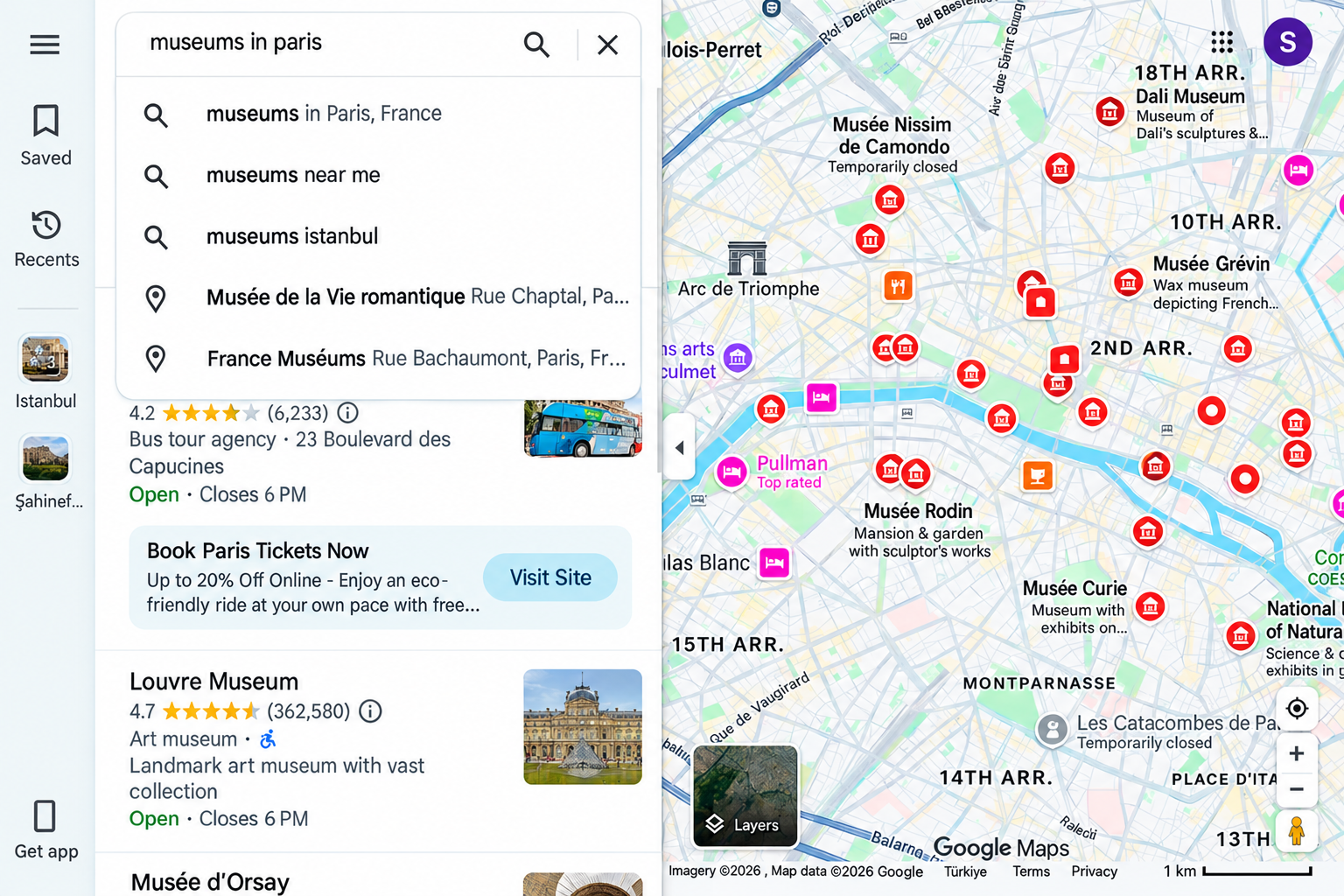
Google Map Scraping involves using specialized software or programs to extract valuable information from Google Maps. This automated process retrieves critical data such as:
- Business Names
- Addresses
- Phone Numbers
- Website URLs
- Ratings and Reviews
- Working Hours
- 50+ fields
What Data Do You Collect from Google Maps?
- query — The exact search term used to find business listings on Google Maps.
- google_place_url — Direct link to the business listing on Google Maps.
- business_name — The verified name of the business as listed on Google Maps.
- business_domain — The official website URL of the business.
- business_phone — The primary contact number listed for the business.
- type — The specific category under which the business was discovered.
- sub_types — All secondary categories associated with the business listing.
- category — The main business category, shown in the local language where applicable.
- full_address — The complete physical address of the business location.
- borough — The borough associated with the business location.
- street_address — The street-level address of the business location.
- city — The city where the business is located.
- postal_code — The postal or ZIP code of the business location.
- state — The state where the business operates.
- country — The country of the business location.
- country_code — The ISO country code for the business location.
- timezone — The local timezone of the business location.
- latitude — The precise latitude coordinate of the business location.
- longitude — The precise longitude coordinate of the business location.
- place_id — A unique Google identifier for the listing (may update periodically).
- google_id — A unique Feature ID assigned by Google (may update periodically).
- place_cid — The multi-platform ID used across the Google ecosystem.
- plus_code — The location plus code, available for individual place searches.
- area_service — Indicates whether the business operates without a physical storefront.
- working_hours_old_format — Business operating hours shown in simple text format.
- popular_times — Foot-traffic trends showing the business's busiest hours.
- menu_link — Direct link to the business's menu, where available.
- order_links — Links customers can use to place an order online.
- reviews_tags — Short labels summarizing common customer feedback themes.
- located_in — Name of the parent business, if located inside another venue.
- located_google_id — Google ID of the parent venue hosting the business.
- review_url — Direct link to the business's customer reviews.
- reviews_id — Unique identifier assigned to the business's review set.
- total_reviews — The total number of customer reviews received.
- average_rating — The overall star rating based on customer feedback.
- reviews_per_score — A breakdown of review counts by individual star rating.
- working_hours — Structured business hours, organized by day of the week.
- about — Additional descriptive details provided about the business.
- description — A short overview describing the business and its services.
- logo_url — Direct link to the business's logo image.
- photos_count — The total number of photos available for the listing.
- photo_url — Direct link to a representative image of the business.
- street_view — Link to the Google Street View of the business location.
- price_range — The typical pricing tier associated with the business.
- business_status — The current operational status of the business.
- is_verified — Indicates whether the listing has been claimed and verified.
- owner_title — The title shown on the business owner's Google profile.
- owner_link — Link to the business owner's Google Maps profile.
- owner_id — Unique identifier assigned to the business owner.
- reserving_table_links — Direct link to make a table reservation online.
- booking_appointment_link — Direct link to book an appointment online.
- org_link — The official website URL of the business.
- host — The public IP address hosting the business website.
- domain_status — Current status of the website — active, inactive, or unreachable.
- Email 1 — Primary email address found on the business website.
- Email 2 — Secondary email address found on the business website.
- phone 3 — Additional phone number found listed on the business website.
- all emails — Complete list of all email addresses found on the website.
- phone 1 — Primary phone number found listed on the business website.
- phone 2 — Secondary phone number found listed on the business website.
- phone 3 — Additional phone number found listed on the business website.
- all phones — Complete list of all phone numbers found on the website.
- contact Page — Direct link to the business's website contact page.
- facebook — Facebook page URL linked from the business website.
- instagram — Instagram page URL linked from the business website.
- twitter — Twitter/X page URL linked from the business website.
- LinkedIn — LinkedIn page URL linked from the business website.
- website built with — The technology, framework, or platform powering the website.
- website description — The meta description summarizing the website's content.
- website title — The page title displayed in browser tabs and search results.
Not Sure Which Solution is Right for You?
Choosing the right web scraping service can be overwhelming, but we’re here to help! Our team of experts is ready to guide you through the process and recommend a tailored solution that fits your unique data needs. Let us help you make informed decisions with confidence.
Use Cases of Scraping Google Maps Data
Business Listing and Lead Generation
Scrape business data from Google Maps to create comprehensive directories, identify potential clients, and generate high-quality sales leads. Ideal for businesses looking to expand their networks and target local markets.
Competitor Analysis
Extract data from competitors’ Google Maps listings to uncover market trends, evaluate strengths and weaknesses, and make informed strategic decisions.
Location-Based Services
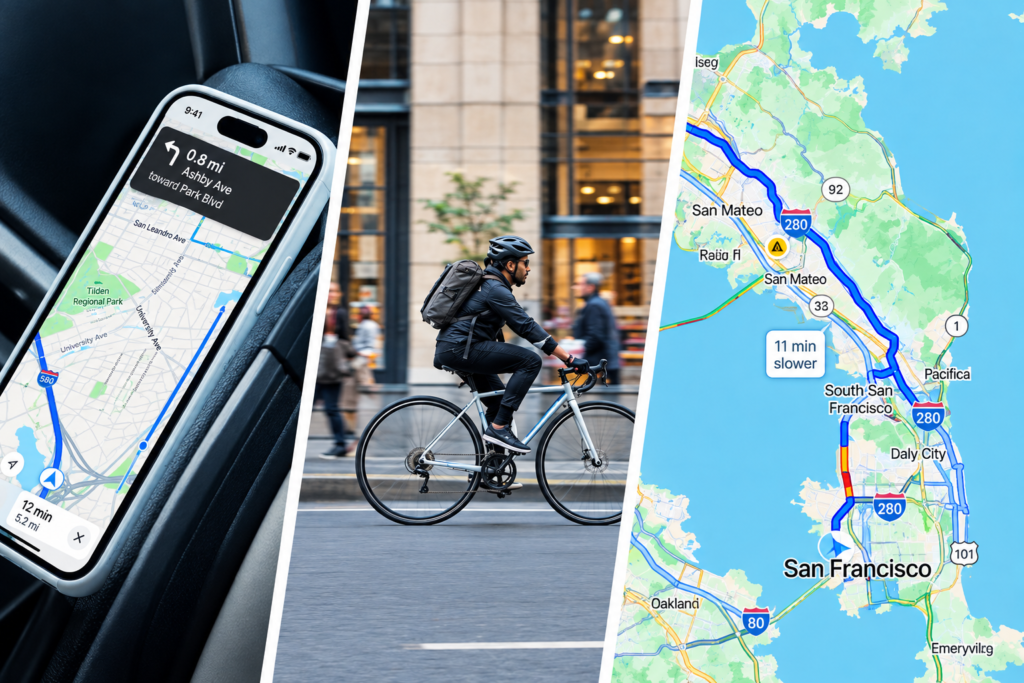
Mobile apps, navigation tools, and location-based platforms rely on real-time Google Maps data to provide accurate directions and location information to users.
Market Analysis
Leverage Google Maps data for market research to understand customer behaviour, analyse market trends, and identify gaps or new opportunities for growth.
Local SEO and Marketing
Enhance local search engine optimization by analysing competitors, evaluating customer feedback, and optimizing your business listings based on Google Maps data.
Lead Generation for B2B Services
Sales teams scrape business listings by category and location to build targeted prospect lists for outreach and territory-based sales planning.
Public Transit Optimization
Transit authorities analyze commuter density and stop-level activity from mapped data to redesign routes and improve service coverage.
Insurance Risk Assessment
Insurance providers use location-based data to evaluate property risk factors, proximity to hazards, and regional claim patterns for accurate underwriting.
Hospitality Demand Forecasting
Hotels and restaurants track seasonal review trends and nearby attraction popularity to adjust staffing, pricing, and marketing campaigns in advance.
Environmental and Urban Research
Researchers study green space distribution, traffic congestion zones, and land-use patterns to support sustainable city planning and environmental policy.
Planning
Franchise owners use scraped location insights to identify underserved territories, avoid market cannibalization, and plan sustainable multi-city rollouts.
Supply Chain and Logistics
Logistics companies leverage location data to optimize delivery routes, reduce fuel costs, and improve last-mile efficiency across urban and rural regions.
Frequently Asked Questions
Google Maps Scraping — Everything You Need to Know
Google Maps scraping is the process of extracting publicly available business data—such as names, addresses, phone numbers, ratings, and reviews—from Google Maps listings using automated tools or software for research, marketing, or analytics purposes.
Scraping publicly visible data can be legally complex and depends on your jurisdiction, how the data is used, and Google's Terms of Service. Many businesses use official APIs or third-party scraping services that operate within compliant, ethical frameworks to minimize legal risk.
You can extract business names, addresses, phone numbers, websites, operating hours, customer ratings, review counts, categories, and geographic coordinates—valuable for lead generation, market research, and competitor analysis.
Businesses use scraped Google Maps data for local SEO audits, competitor benchmarking, building sales prospect lists, site selection, market research, and identifying underserved locations for expansion.
Common approaches include custom-built scrapers using Python or Node.js, browser automation tools like Selenium or Puppeteer, and dedicated scraping APIs or SaaS platforms designed specifically for structured Maps data extraction at scale.
Common challenges include IP blocking, CAPTCHAs, rate limits, inconsistent data formatting, and frequent changes to Google's page structure—making reliable, large-scale scraping difficult without proper infrastructure or specialized tools.
Your verified lead data has made our outreach much more efficient. We’re reaching the right decision-makers and generating better-quality leads

Floyd Miles



Our Feedbacks
Our Client Says
Here’s what some of our satisfied clients have to say about their experience working with us: